
Geomagic Design X
Geomagic Design X™
The essential solution for modernizing reverse engineering workflows
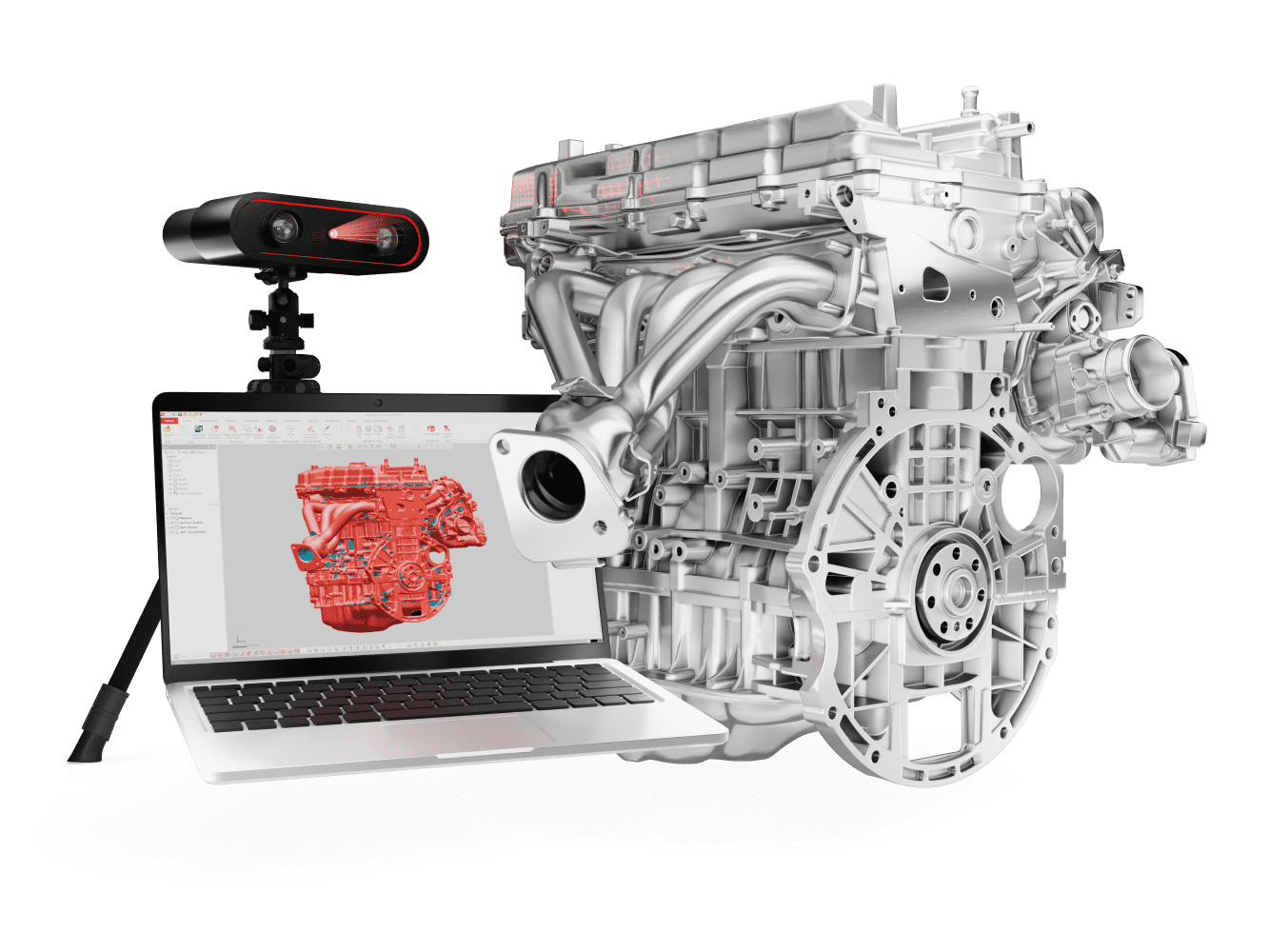
Geomagic Design X is the industry's most comprehensive reverse engineering software, designed to bridge the gap between physical objects and digital CAD. By combining history-based CAD with advanced 3D scan data processing, it allows you to transform raw point clouds and meshes into parametric, editable solid models that are fully compatible with your existing CAD environment
Turn 3D scan data into precise, editable CAD models in record time with Design X.
Rather than designing from scratch, you can start from reality, utilizing Live Transfer™ technology to export complete feature trees directly into industry-leading platforms like SOLIDWORKS®, Siemens NX®, and Autodesk Inventor®. Whether you are modernizing legacy components, creating custom-fit products for the human body, or streamlining complex development cycles, Design X provides the speed and precision needed to ensure “as-built” designs meet perfect functional requirements.
Features

Device Integration
Achieve a seamless workflow by capturing data through direct 3D scanner integration or importing existing files from any scanning device.

Mesh & Point Cloud Processing
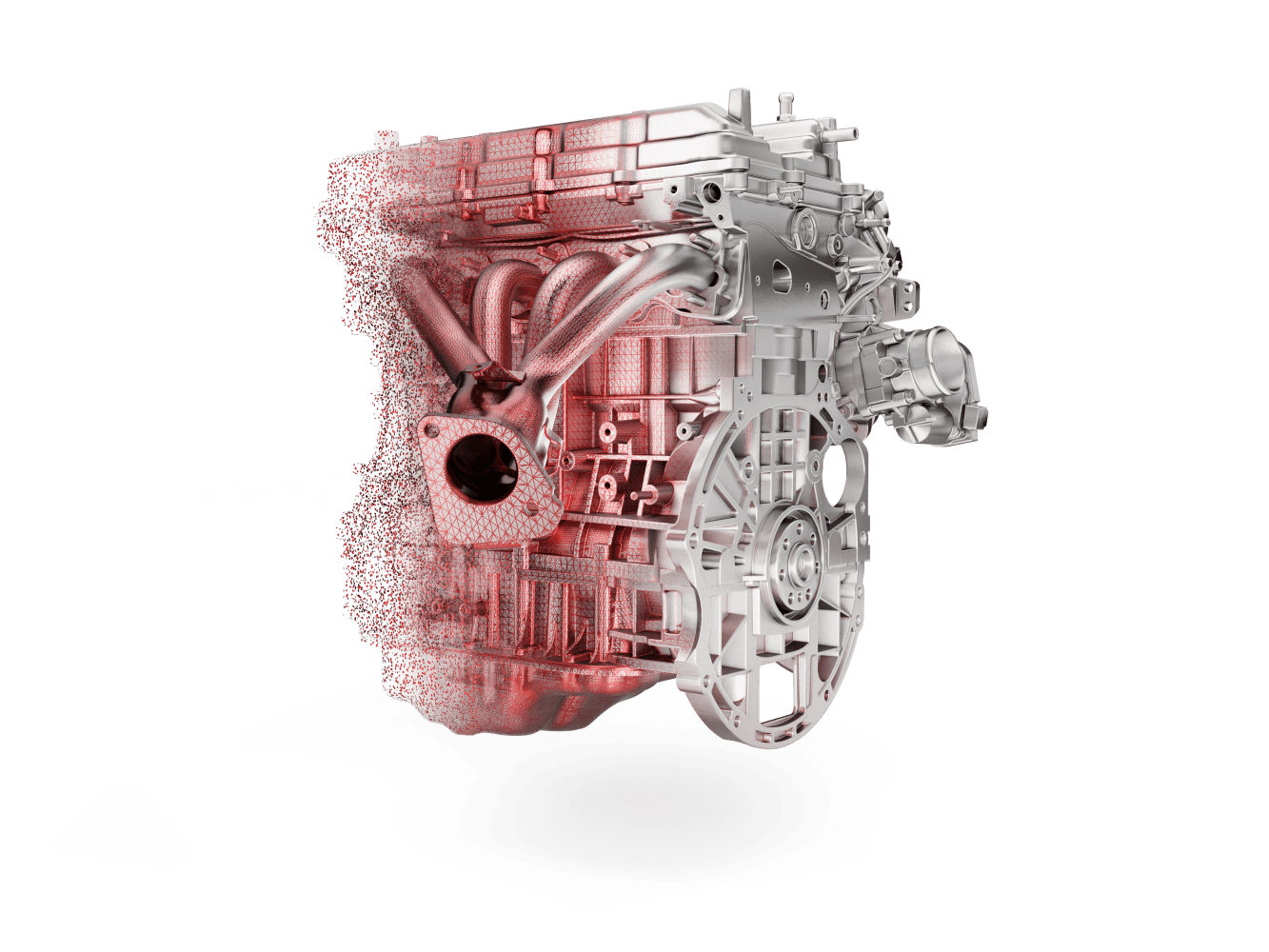
Skip the tedious manual cleanup with automated tools that expertly handle, align, and refine even the largest scan datasets for faster model creation.

Instant Mesh-to-Surface Conversion
Use advanced auto and selective surfacing to effortlessly fit accurate, high-quality surfaces directly to your 3D scan data.
Eliminate Manual Reconstruction
Bridge the gap between 3D scanning and CAD by instantly exporting editable solid models and history-based feature trees to your preferred design software.

Instant Design Validation
Utilize the patented Accuracy Analyzer™ to perform real-time comparisons between your 3D model and the original scan data, ensuring every feature meets your required tolerances as you build

Accelerated Design Wizards
Dramatically reduce modeling time with built-in tools that automatically identify and reconstruct CAD geometry from raw mesh data, taking the guesswork out of reverse engineering.
Why Traditional Design is Slowing You Down?
Geomagic Design X is built to solve the most common “pain points” in Reverse Engineering:
- Tedious Manual Measurements: Relying on calipers and manual tools for complex parts is slow and prone to human error.
- Long Development Cycles: Starting designs from a blank screen can take days or weeks, delaying your time-to-market.
- “Dumb” Geometry: Traditional scan-to-CAD often results in “frozen” models that lack history and cannot be edited in your native CAD software.
- Massive Data Bottlenecks: Most CAD software struggles or crashes when handling billions of scan points.
- Costly Iterations: Designing without “as-built” data leads to poor fit and expensive tool rework.
- Cleanup Fatigue: Spending hours manually repairing mesh data before you can even begin modeling.
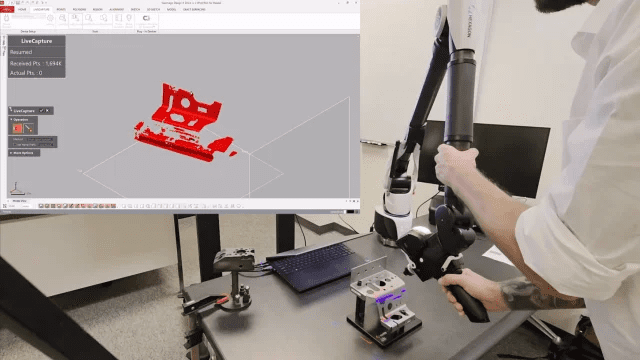
Be the Wizard of Reverse Engineering
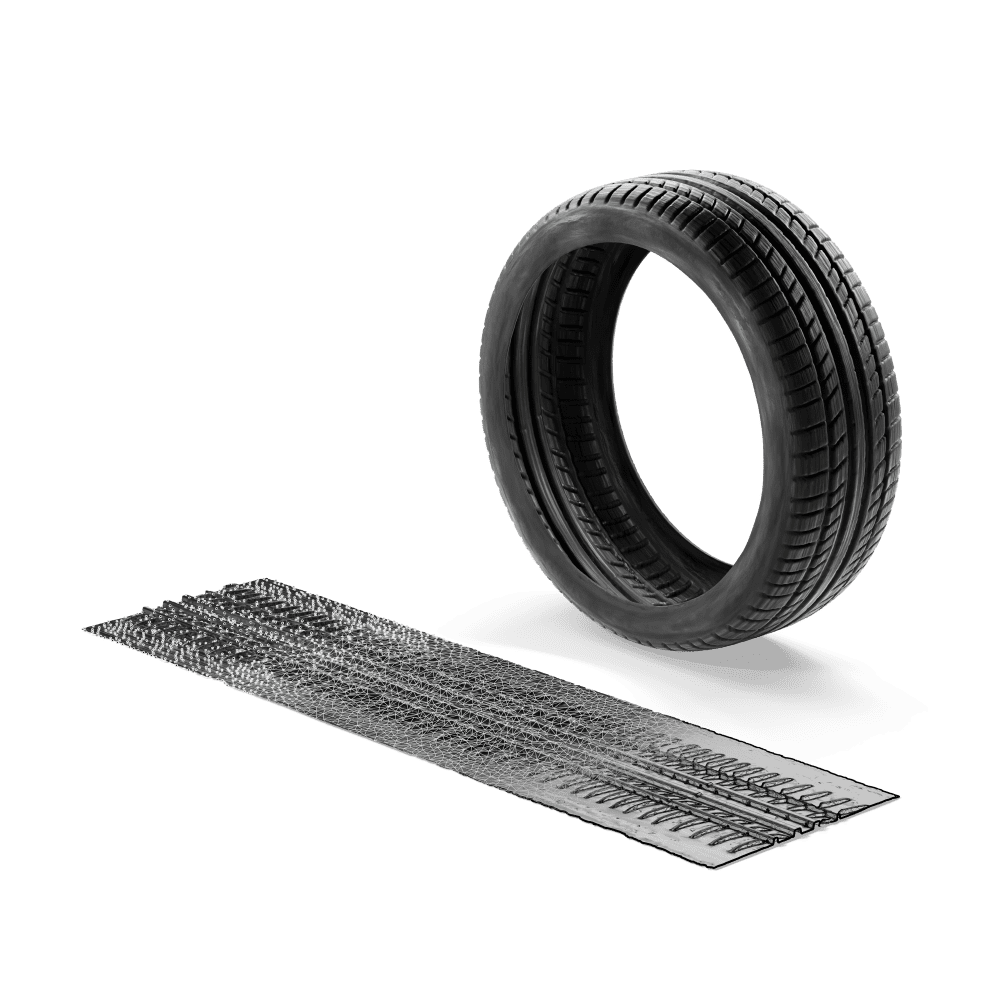
Geomagic Design X transforms your workflow by merging the power of 3D scanning with history-based CAD.
- Unmatched Speed: Cut days or even weeks off your development cycle by using existing parts as your foundation.
- Fully Parametric Models: Create editable, feature-based solid models that look and behave exactly like they were built in your native CAD system.
- Seamless Integration: Use Live Transfer™ to send complete models—including feature trees—directly into SOLIDWORKS®, Siemens NX®, Solid Edge, Autodesk Inventor®, and PTC Creo®.
- Total Accuracy: Use the Automated Accuracy Analyzer™ to compare your CAD model against the original scan data in real-time, ensuring a perfect fit every time.
- Design for Reality: Modernize legacy components, rebuild old designs, or create products tailored to the human body for a flawless fit.
- Built for the Toughest Projects: Effortlessly process massive datasets with over 60 supported file formats, including point clouds and meshes.
Choose Your Plan
Geomagic Design X is a professional scan-to-CAD software that meets your requirements, whatever your budget.
| Plan | Best For… |
| Dx Go | Entry-level: Start reverse engineering parts with easy-to-use software. |
| Dx Plus | Enhanced Power: An advanced toolset that integrates directly with your 3D scanner. |
| Dx Pro | Unlimited RE: The fastest scan-to-CAD conversion on the market with the full suite of tools. |
System Requirements
Operating System |
Operating SystemMinimum: Windows 10 64-bit or later1)Recommended: Windows 11 64-bit |
Processor |
ProcessorMinimum: Intel® 64-bit or AMD® 64-bit processorRecommended: Intel® Core™ i7/i9 (13th generation or newer) AMD Ryzen™ 7/9 (5000 series or newer) |
RAM |
RAMMin.: 8 GBRecommended: 32 GB or more |
Storage |
StorageMin.: 30GB of free disk space2Recommended: SSD with 512 GB or larger 2 Additional space may be required for cache. Temporary file cache requires approximately 3GB of free disk space per 100 million points. |
Display |
DisplayMin.: HD (1280x720)Recommended: Full HD (1920 x 1080) or higher |
GPU |
GPUMin.: NVIDIA GPU with OpenGL 4.0 support and 2 GB of VRAMRecommended: NVIDIA RTX series with 4 GB VRAM or more |